 Picredo
Your photo. A bolder you.
Free AI image editor. No sign-up. Unlimited looks.
Swap faces, change clothes, replace backgrounds and restore photos with a simple prompt. Your AI photo editor, free to start with no sign-up or watermark.
Edit your photoNo watermarkFree to start · Daily limits apply
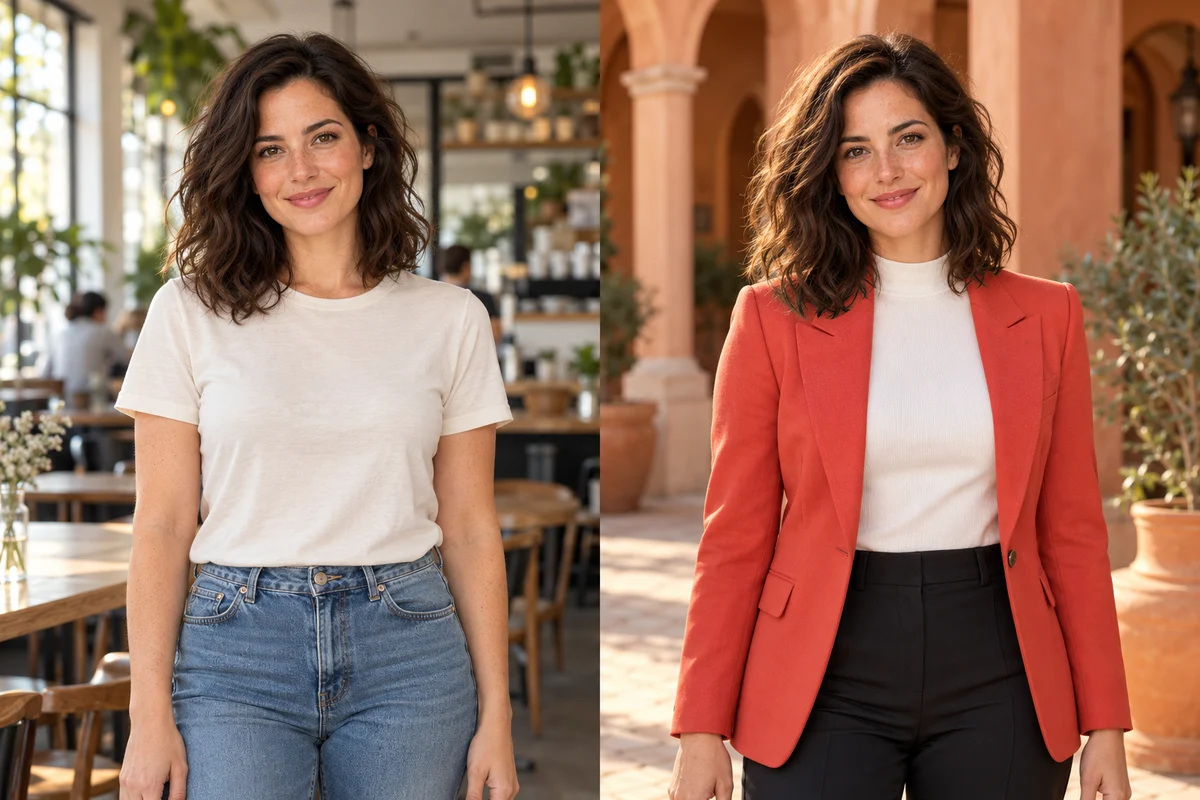
AI-created example
My work
Saved on this device for 7 days.
More ways to make it yours
Same photo, new outfit, new hair, new place, new universe.
Then make it move.
Flip to Video on the swap you just made. The photo stays free. The clip is a partner offer.
Already using another app?
Photo swaps stay free here. No account, no watermark.
What happens in the booth stays in the booth.
Your edits are not posted to a feed or public gallery. Keep image links to yourself if you do not want to share them.
Reopen recent edits in My work on this browser. Download the pictures you want to keep.
No sign-up or card needed to start editing.
Only use photos of people who said yes. Consent and takedown.
Also in the booth: AI headshot · Photo restore
Questions about Picredo
Is the face swap really free?
Photo edits are free to start, with no sign-up. Waits and daily limits apply. No account, no card, no watermark. Video does not render here. It opens a partner offer.
Do I need to sign up?
No. Nothing here asks for an account, an email or a card.
Can anyone else see what I make?
Your edits are not posted to a public gallery or feed. Anyone with an image link may be able to view it. Download the pictures you want to keep and contact us to request removal.
Can I change what someone is wearing?
Yes, with Outfit swap. Describe the new look and the face, pose and background stay put. It swaps clothes for other clothes; taking them off is not on the menu here.
Can I turn a swap into a video?
Open Video. The clip is a partner offer, and the photo you made stays free on the page.
Can I swap a celebrity's face?
No. There is no celebrity list and no way to pick a public figure. You bring both pictures, and they should be of people who said yes.
How many faces can it handle?
Faces are counted left to right, and you can target the first, second or third face in the picture.
Why did my swap come out soft?
Usually the source face is small or at an angle. Try the Sharp restore look, or use a straight-on photo of the face.